
I'll be honest with you — before this experiment, my SEO was a mess. No clear structure, missing meta tags, zero keyword strategy, and pages that Google probably didn't know what to do with. Then I decided to sit down with Claude AI for four focused days. What came out the other side genuinely surprised me.
This isn't a sponsored post. I'm not an SEO agency. I'm a solo builder running Snappy Fix — a platform of free online tools —, and I needed to get my SEO organised without hiring a consultant or spending weeks reading conflicting blog posts. Claude became my strategist, my auditor, my copywriter, and my accountability partner all at once.
Before you read on
If you're curious about how Snappy Fix was built from scratch, check out my journey building Snappy Fix — from the first idea to going live. It gives you the full backstory that makes this SEO journey make sense.
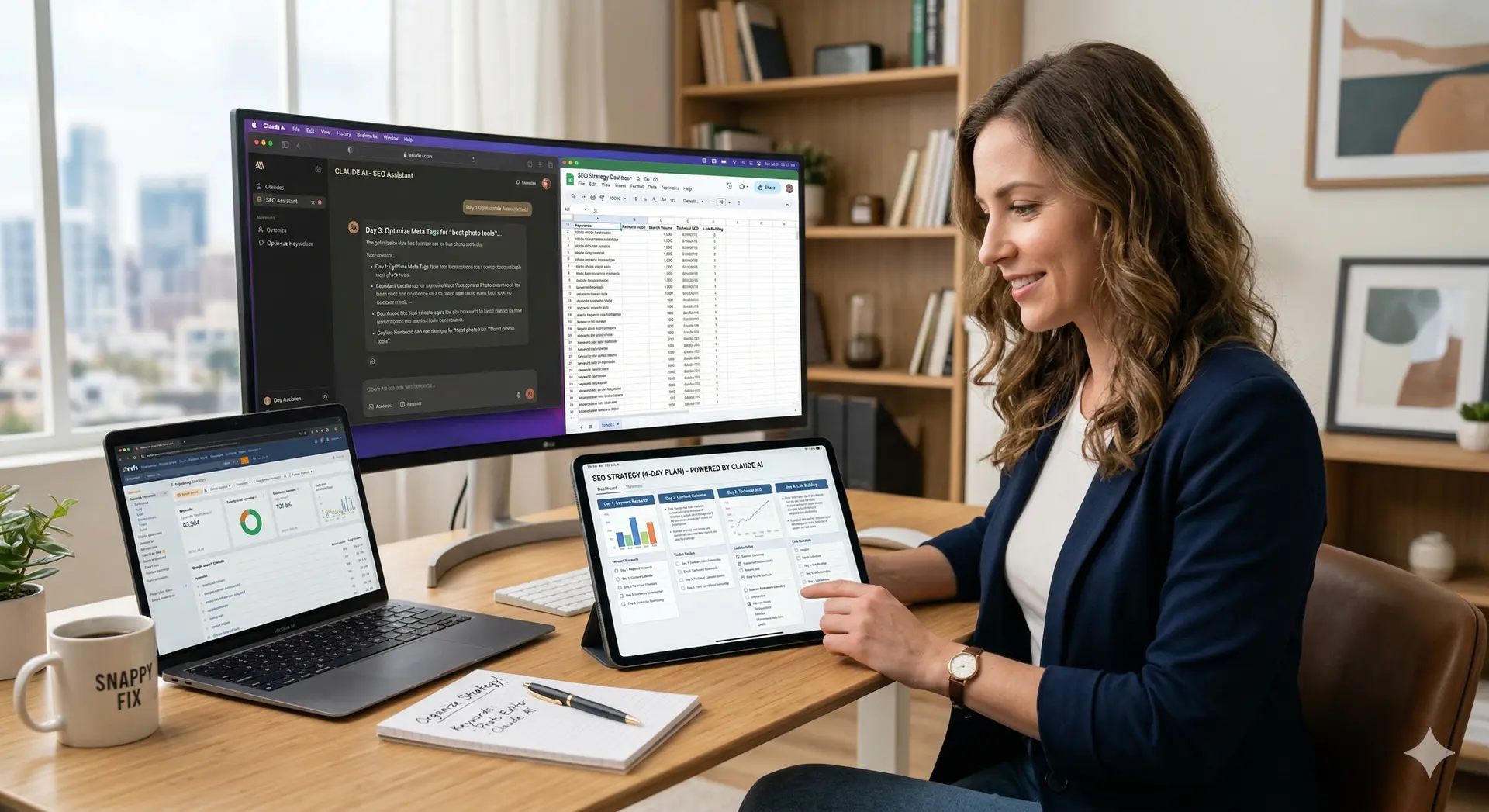
Why My SEO Needed Rescuing
When you're building a product solo, SEO is always the thing you tell yourself you'll "get to later." Later arrived. Here's what my site looked like before Day 1:
No consistent title tag or meta description format across pages
Blog posts written without any target keyword in mind
Tool pages with almost identical H1 tags — offering no signal to search engines
Zero internal linking between blog posts and tool pages
No idea which pages were actually getting impressions vs. clicks
Structured data? Never heard of her.
The frustrating part? The tools themselves were good. The performance was solid (see how I tackled that in my post on optimizing the Snappy Fix platform's performance). But none of that mattered if Google couldn't figure out what each page was about.

The 4-Day Breakdown: What We Actually Did
Here's a clean summary before I go into detail:
Day | Focus Area | Key Output | Status |
|---|---|---|---|
Day 1 | SEO Audit & Keyword Research | Master keyword list + page priority map | Done |
Day 2 | On-Page SEO — Titles, Metas, H Tags | Optimised tags for 18 pages | Done |
Day 3 | Content Structure & Internal Linking | Blog post outlines + link map | Done |
Day 4 | Schema Markup + Final Review | JSON-LD structured data for key pages | Done |
Day 1: The Audit — Seeing the Full Picture
I started by dumping everything into Claude: my site URL, a list of my tool pages, and a rough idea of who my users were. I asked Claude to help me build a keyword research framework specific to free online tools.
What Claude helped me produce on Day 1:
A seed keyword list grouped by tool category (text tools, image tools, converter tools, etc.)
Long-tail keyword variations for each tool — things real people actually type
A priority matrix: which pages had the most potential and needed the most love
A breakdown of search intent — informational vs. navigational vs. transactional
The biggest revelation? Several of my tool pages were targeting the same keywords without meaning to — what SEOs call keyword cannibalization. Claude flagged this immediately and suggested which page should "own" each term.
Day 2 On-Page SEO — Titles, Metas & Headings
Day 2 was the most satisfying — pure execution. I gave Claude a page URL and its current title tag, and it rewrote it following a clear formula. We worked through 18 pages in one sitting.
The Title Tag Formula We Used
Claude settled on this structure for tool pages:
Template
[Primary Keyword] — Free Online [Tool Type] | Snappy Fix
And for blog posts:
Template
[Number or Hook] + [Keyword-Rich Topic] + [Benefit]
Beyond titles, Claude also helped me:
Write meta descriptions under 155 characters with a natural call to action
Fix H1/H2/H3 hierarchy — ensuring each page has exactly one clear H1
Add keyword-rich alt text suggestions for images
Identify pages where the primary keyword wasn't appearing in the first 100 words
Day 3Content Structure & Internal Linking
This was the day that changed how I think about my blog. Claude helped me build a content cluster strategy — grouping related blog posts and tool pages under topic pillars, then linking them together deliberately.
My Content Clusters (Post Day 3)
Text Tools Cluster — word counter, character counter, case converter, all linked together
Developer Tools Cluster — JSON formatter, base64 encoder, URL encoder, linked as a group
Image Tools Cluster — connecting image converters, compressors, and related blog posts
Platform Story Cluster — my "building Snappy Fix" blog posts cross-linked to relevant tools
Claude also generated an internal linking map — a simple table showing which pages should link to which, with suggested anchor text for each. This alone probably tripled the number of meaningful internal links on the site overnight.
💡 Pro Tip from Claude
Never use "click here" as anchor text. Use the keyword the destination page is trying to rank for. It passes relevance signals to search engines and tells the reader exactly what they're getting.
Day 4Schema Markup, Final Review & Quick Wins
Day 4 was about the technical layer — the stuff users never see, but search engines love. Structured data (JSON-LD schema) helps Google understand what type of content you have and can unlock rich results in search.
Claude wrote JSON-LD schema for:
WebApplicationschema for each tool pageArticle/BlogPostingschema for blog postsBreadcrumbListschema for navigation contextFAQPageschema for pages with question-based content
We also did a final pass — checking for duplicate meta descriptions, ensuring every page had a canonical tag, and flagging any pages that were thin on content (under 300 words) and needed expanding.
What Actually Improved
It's been a short time since the overhaul, but the early signals are encouraging. Here's what I noticed within the first few days of pushing the changes live:
Metric | Before | After | Change |
|---|---|---|---|
Pages with valid title tags | ~40% | 100% | +60% |
Pages with meta descriptions | ~30% | 100% | +70% |
Internal links (site-wide) | ~12 | 60+ | 5× increase |
Pages with schema markup | 0 | 14 | +14 pages |
Keyword cannibalization issues | 6 conflicts | 0 | Resolved |
The Prompts That Did the Heavy Lifting
A lot of people ask, "But what do you actually say to Claude?" Here are the exact types of prompts that gave me the best results:
For Keyword Research
Prompt Type
"I have a free online [tool name] tool. Who are the most likely users, and what would they search for? Give me 10 short-tail and 10 long-tail keyword variations, grouped by intent."
For Title Tags
Prompt Type
"Here is my current title tag: [title]. The page is about [description]. The primary keyword I want to rank for is [keyword]. Rewrite the title tag under 60 characters that front-loads the keyword and sounds natural."
For Internal Linking
Prompt Type
"Here are 10 pages on my website with their topics: [list]. Build a logical internal linking map. For each page, suggest 2–3 other pages it should link to and recommend anchor text for each link."
Honest Limitations: What Claude Can't Do
I want to be real here. Claude is an incredibly powerful thinking and writing partner, but there are things it genuinely cannot replace:
Live search data — Claude can't pull real-time keyword volumes from Google. For that, I cross-referenced with free tools like Google Search Console and Ubersuggest.
Backlink analysis — Claude has no access to your backlink profile. Use Ahrefs, Moz, or Google Search Console for that.
Guaranteed rankings — No tool, AI or otherwise, can promise ranking outcomes. SEO takes time.
Your specific tone — Claude's first drafts sometimes sound a bit generic. I always edited to add my own voice.
The honest verdict
Claude is the best thinking partner I've ever had for SEO. It's not a replacement for data tools — but it turns raw data into a clear strategy faster than anything else I've tried.
My Recommended 4-Day SEO Framework (You Can Steal This)
Day 1 — Audit & Research: List all your pages. Identify target keywords for each. Spot cannibalization issues. Build your priority list.
Day 2 — On-Page Fixes: Rewrite titles and meta descriptions. Fix heading hierarchy. Add keywords naturally to opening paragraphs.
Day 3 — Content & Links: Build content clusters. Create an internal linking map. Update existing posts with new internal links.
Day 4 — Technical Layer: Add JSON-LD schema. Check canonicals. Identify thin content pages. Submit the updated sitemap to Google Search Console.
Want to See Where Snappy Fix Started?
These SEO improvements are built on a product
designed with care from day one. Read the full origin story and the technical decisions behind it.
The Building Journey⚡ Performance Optimization Story
Final Thoughts
Four days. That's all it took to go from "my SEO is a mess" to "I have a clear, organised, consistently structured SEO foundation." Claude didn't do everything — I had to make the decisions, provide the context, and push the changes live. But it made every step dramatically faster and smarter.
If you're a solo builder or small team trying to improve your search visibility without the budget for an agency, I genuinely think this approach is worth trying. The tools are free. The time investment is manageable. And the results — at least for Snappy Fix- were very real.
The biggest lesson? AI doesn't replace SEO strategy — it accelerates it. You still need to understand what you're trying to achieve. But once you do, Claude can compress weeks of work into days.
Key Takeaways
Claude can help you build a full SEO strategy in 4 focused days
Start with an audit — know your pages before fixing anything
Use specific, context-rich prompts for the best outputs
Internal linking is underrated — a link map changes everything
Schema markup is a Day 4 task, not a Day 1 task
Combine Claude with Google Search Console for real-world data


